In This Article:
Add Page Numbers in the Header or Footer
To add pagination to your DOC templates, you can insert the following code into the Source editor of the Header or Footer tabs in the template editor:
[code lang="html"]Page Number: <span style="mso-field-code: PAGE "></span>
Total Pages: <span style="mso-field-code: NUMPAGES "></span>[/code]
Note: This code is not functional in the template body and must be used in either the Header or Footer tabs.
Example
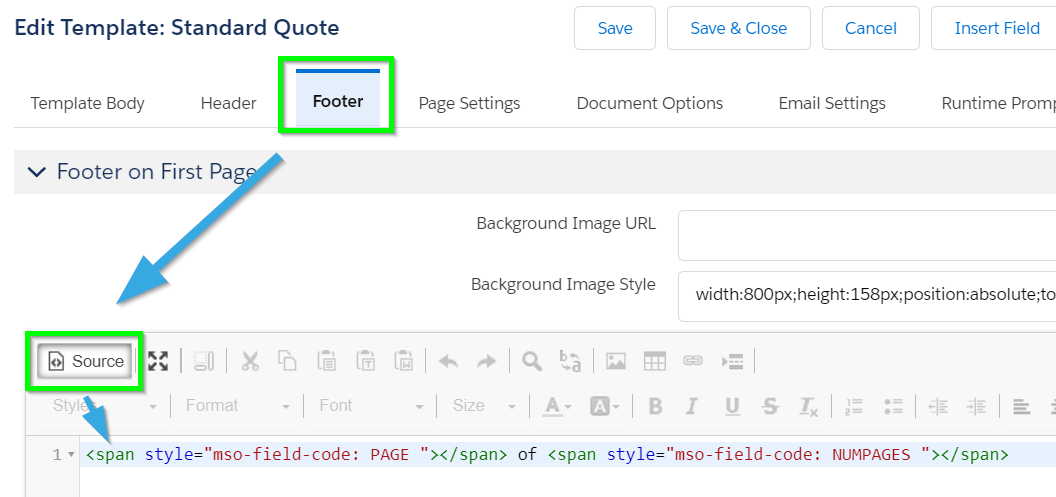
The following example code was inserted into the Footer tab.
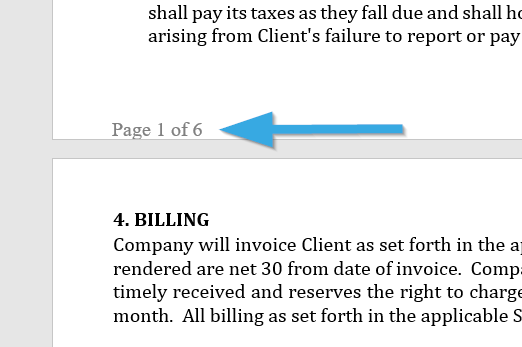
When the document is generated, the pagination appears as follows: